Git基本操作
下载安装Git客户端

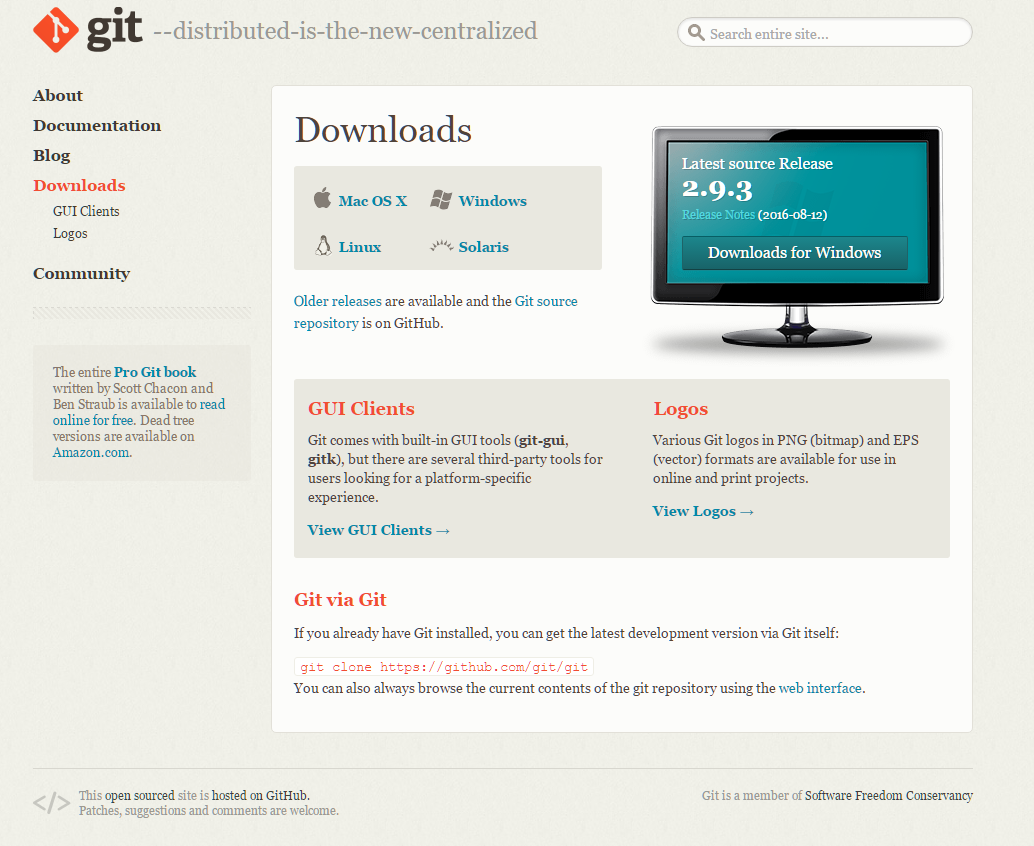
git下载
安装教程
装完成后,还需要最后一步设置,在命令行输入:
$ git config –global user.name “Your Name” $ git config –global user.email “[email protected]”
因为Git是分布式版本控制系统,所以,每个机器都必须自报家门:你的名字和Email地址。

git下载
装完成后,还需要最后一步设置,在命令行输入:
$ git config –global user.name “Your Name” $ git config –global user.email “[email protected]”
因为Git是分布式版本控制系统,所以,每个机器都必须自报家门:你的名字和Email地址。
关于底部导航按钮网上实现底部按钮的方法有很多,在这里RadioGroup+ViewPager+fragmnt实现的。
底部导航支持底部点击和滑动。
上图

布局代码
<RelativeLayout xmlns:android="http://schemas.android.com/apk/res/android"
xmlns:tools="http://schemas.android.com/tools"
android:layout_width="match_parent"
android:layout_height="match_parent"
tools:context=".MainActivity">
<RadioGroup
android:id="@+id/rg_tab_bar"
android:layout_width="match_parent"
android:layout_height="56dp"
android:layout_alignParentBottom="true"
android:background="@color/bg_white"
android:elevation="5dp"
android:orientation="horizontal">
<RadioButton
android:id="@+id/rb_channel"
style="@style/tab_menu_item"
android:drawableTop="@drawable/tab_menu_doc"
android:text="@string/tab_menu_doc" />
<RadioButton
android:id="@+id/rb_message"
style="@style/tab_menu_item"
android:drawableTop="@drawable/tab_menu_camera"
android:text="@string/tab_menu_camera" />
<RadioButton
android:id="@+id/rb_better"
style="@style/tab_menu_item"
android:drawableTop="@drawable/tab_menu_user"
android:text="@string/tab_menu_user" />
</RadioGroup>
<View
android:id="@+id/div_tab_bar"
android:layout_width="match_parent"
android:layout_height="2px"
android:layout_above="@id/rg_tab_bar"
android:background="@color/div_white" />
<android.support.v4.view.ViewPager
android:id="@+id/vpager"
android:layout_width="match_parent"
android:layout_height="match_parent"
android:layout_above="@id/div_tab_bar" />
</RelativeLayout>activity代码
今天把Android的学习的一些东西记录一下,方便日后使用。
FlaotActionButton是android的一个很好用的控件。 在看了很多源码后逐步掌握一些知识了。

首先要在build.gradle中导入依赖项
dependencies {
compile fileTree(include: ['*.jar'], dir: 'libs')
testCompile 'junit:junit:4.12'
compile 'com.android.support:appcompat-v7:24.1.1'
compile 'com.android.support:design:24.1.1'
compile 'com.getbase:floatingactionbutton:1.10.1'
}今天学习 Android 的 Intent 的使用
显示 Intent 就是指定 Activity。
package com.example.myapplication;
import android.content.Intent;
import android.support.v7.app.AppCompatActivity;
import android.os.Bundle;
import android.view.View;
public class MainActivity extends AppCompatActivity {
@Override
protected void onCreate(Bundle savedInstanceState) {
super.onCreate(savedInstanceState);
setContentView(R.layout.activity_main);
findViewById(R.id.btnStartMyAty).setOnClickListener(new View.OnClickListener() {
@Override
public void onClick(View view) {
startActivity(new Intent(MainActivity.this, MyAty.class));
}
});
}
}通过Intent直接指定一个Activity