Home avatar

ISLAND

From Monolith iOS to Kotlin Multiplatform: SugarLite's Incremental Migration

SugarLite started as a pure iOS app built with SwiftUI + MVVM + Supabase Swift SDK. When the Android version became a priority, copying the business logic over to Kotlin would have doubled the maintenance burden — network layer, data models, and business rules all needed dual-platform upkeep. That’s why we chose Kotlin Multiplatform: the shared/ module carries all cross-platform business logic, while the iOS side only keeps SwiftUI and system framework calls (HealthKit, SwiftData, WidgetKit).

Configuring Claude Desktop in CC Switch

I’ve previously covered the basics of CC Switch. Today, let’s take a closer look at the Claude Desktop panel — added in recent versions specifically for connecting the official Claude Desktop client to third-party providers.

In CC Switch, “Claude” and “Claude Desktop” are two separate panels. They map to Claude Code (the CLI) and Claude Desktop (the desktop client), respectively. Claude Desktop uses its own 3P profile config rather than ~/.claude/settings.json. The two panels are distinguished by a small badge on the icon.

Quickly Switch Claude Code Providers with cc switch and cc desktop switch

In the world of AI programming tools, Claude Code is undoubtedly one of the most powerful choices today. However, with major cloud service providers launching their own LLM APIs, how to conveniently switch between different providers has become a practical need. Today, I’ll introduce two tools: cc switch and cc desktop switch, which help you quickly switch Claude Code model providers.

Project Links:

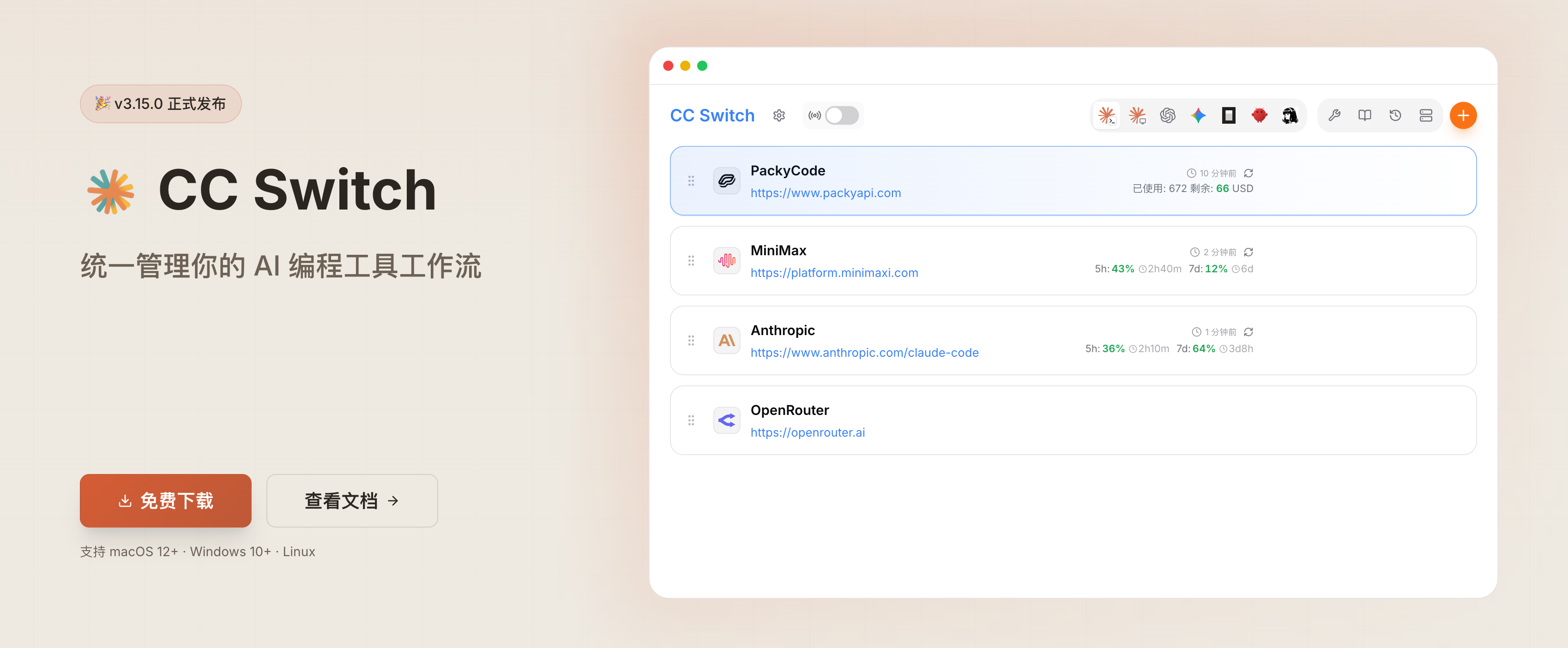
cc switch is a cross-platform desktop application specifically designed for managing provider configurations for five major AI programming CLI tools: Claude Code, Codex, Gemini CLI, OpenCode, and OpenClaw.

LazyVim

Before using Neovim, I spent a lot of time configuring my own Neovim setup—whether it was plugins, key mappings, or the UI, I put a lot of effort into it.
However, maintaining a personal configuration is honestly quite time-consuming, especially with plugin updates, version upgrades, and other maintenance tasks.

LazyVim is a Neovim distribution that comes with a large number of pre-configured plugins.
It is essentially ready to use out of the box, making it convenient and efficient. The extensive default configurations reduce the onboarding time.
The only downside is that the key mappings might not match what you’re used to, requiring some modifications or adaptation.

Distributed Theory

One of the most important theories in distributed systems is the CAP theory. This theory was proposed by computer scientist Eric Allen Brewer from the University of California, Berkeley, in 2000. It was later proven by researchers from MIT in 2002, turning the hypothesis into a theorem.

The CAP theorem proposes three aspects for distributed systems:

  • Consistency: The data among multiple replicas remains consistent.
  • Availability: Each request can receive a normal, error-free response, but there’s no guarantee that the data is the most recent.
  • Partition Tolerance: Even if a node in the system fails, the system can still provide consistency and availability of services externally.

CAP Theory

Neovim Beginner's Guide (Part 4): LSP Configuration (II)

Neovim Beginner’s Guide (Part Three): LSP Configuration (Part One) discussed what LSP is, how to configure it, and how to start it. Now, let’s proceed with other configurations related to LSP. This chapter mainly covers the following aspects: code highlighting, code formatting, and UI beautification related to LSP.

After setting up LSP, when we write code and encounter errors, corresponding reminders will appear. As shown in the following image: